Using Worthify Go
Use Worthify Go to scan customer passes, manage orders, accept payments, and handle rewards from your phone or supported terminal.
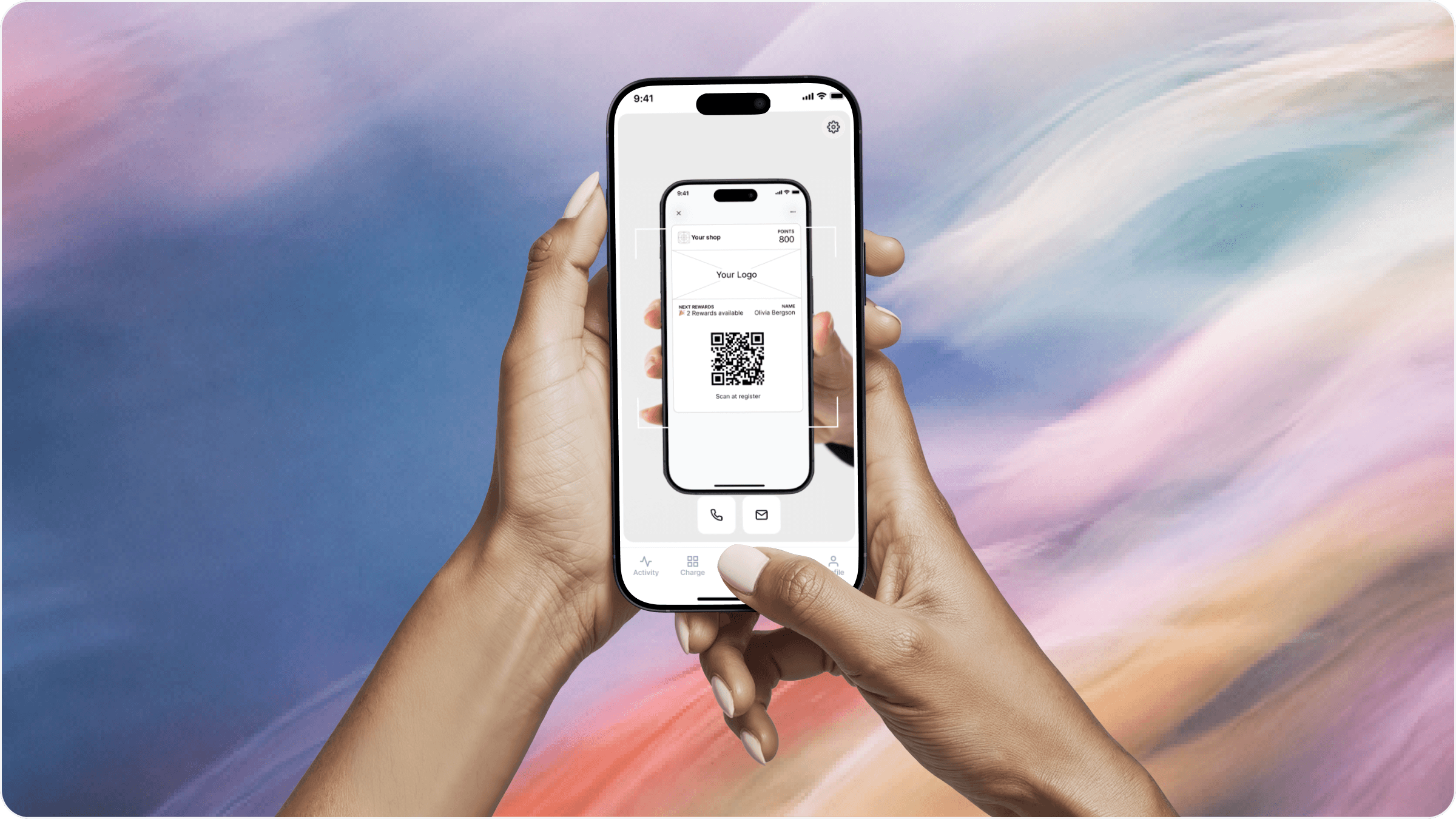
What is Worthify Go?
Worthify Go is your shop’s merchant companion app. It gives you and your team access to the tools you need when serving customers.
You can use it to:
Scan passes and look up customers.
Issue points and redeem rewards if your shop offers them.
View and manage customer orders.
Accept payments once your payment account is connected and verified.
Complete Pass checkout at pickup.
Rewards are optional. You can use Worthify Go to sell and serve customers without running a rewards program.
Get your team ready
Download the app from the Apple App Store or Google Play Store and sign in with your Worthify account.
Each team member should sign in with their own credentials. Manage their access from Team in your dashboard.
Allow camera access so the app can scan customer passes, and keep your device connected to the internet.
Find a customer
Ask the customer to open their shop pass in Apple Wallet or Google Wallet, then scan its QR code with Worthify Go.
The app opens their profile so you can review their information and, if your shop offers rewards, their points and available rewards.
If the customer doesn’t have their pass handy, search using their email address or phone number.
Issue points and redeem rewards
If your shop has enabled rewards, you can use Worthify Go to record eligible purchases and redeem available rewards.
To issue points:
Scan the customer’s pass or find their profile.
Enter the purchase amount where prompted.
Review the points calculated under your program’s rules.
Confirm.
To redeem a reward:
Open the customer’s profile.
Select an available reward.
Review and confirm the redemption.
Their points balance updates after the redemption. Apply the corresponding reward to their purchase.
Accept payments
The Charge tab becomes available once your shop’s payment account is connected and verified.
You can enter an amount to charge or select items from your Online Shop catalog.
Connect Tap to Pay on a supported device or a compatible card reader through Worthify Go. Available hardware includes:
M2: Available in the US; pairs with a phone or tablet.
WisePad 3: Available in Canada; pairs with a phone or tablet.
S710 terminal: Runs Worthify Go on the terminal.
After a successful payment, you can send a receipt by email.
Payments are powered by Stripe.
Manage orders and Pass checkout
Use Worthify Go to view customer orders and update their progress as your team prepares and fulfills them.
For Pass checkout, the customer presents their pass at pickup. Scan it to see their orders, review and confirm the order, and complete payment by charging the card saved on their profile.
Pass checkout is different from prepaid balance. Prepaid balance is credit a customer loads with your shop and uses to pay at online checkout.
Check your setup before serving customers
Sign in on the devices your team will use and make sure they can:
Scan a customer pass.
Find a customer manually.
Issue points and redeem rewards, if enabled.
View incoming orders, if you accept online orders.
Access Charge and connect your chosen payment device, if you accept payments.
FAQs
Do I need a card reader? You can scan passes and handle rewards using your device’s camera. To accept card payments, use Tap to Pay on a supported device or a compatible reader or terminal.
Why can’t I see the Charge tab? Your shop’s payment account must be connected and verified before payment collection becomes available.
Does Worthify Go require an internet connection? Yes. Use an active internet connection to keep customer information, rewards, orders, and payments up to date.
Can my team use Worthify Go? Yes. Add team members and configure their permissions from Team in your dashboard.
Was this helpful?
Still need help? Ask the team