What is Worthify?
Learn what Worthify is, who it’s for, and how it helps you sell, connect with customers, and grow.
Overview
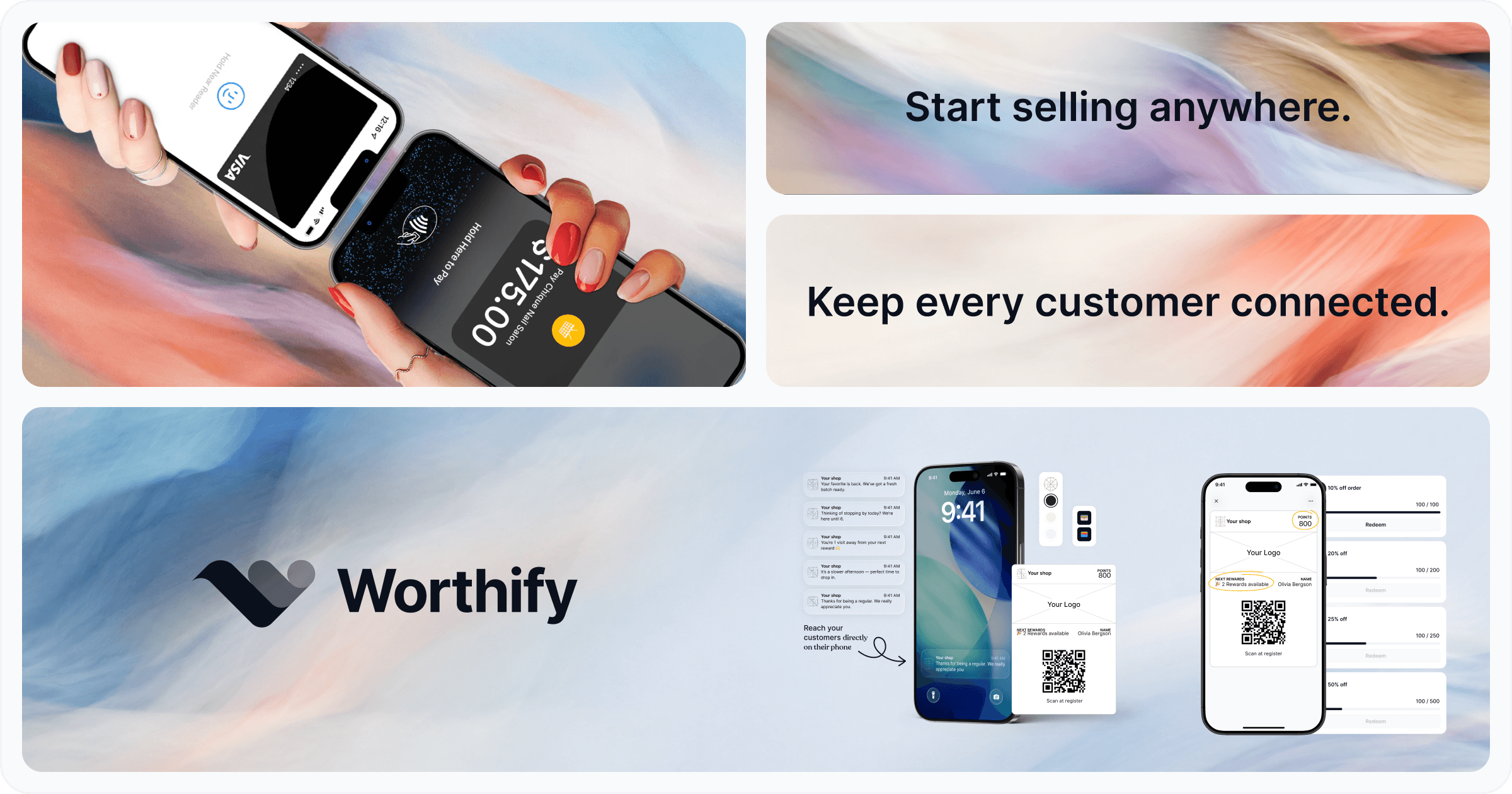
Worthify is a commerce platform for independent businesses. It brings payments, online orders, rewards, customer communication, and insights together around your shop.
It helps you sell, stay connected to your customers, and grow from wherever you operate.
Who is Worthify for?
Worthify is built for independent merchants—from people starting their first business to established shops and businesses with multiple locations.
That includes:
Cafés, bakeries, and independent food businesses
Market vendors and pop-up shops
Food trucks and mobile businesses
Home-based businesses
Independent storefronts
Whether you work on your own or with a small team, you can choose the features that fit how you run your business.
Your shop on Worthify
Your shop gives customers a place to connect with your business online. Depending on what you enable, they can browse your items, place pickup orders, access rewards, load a prepaid balance, and see your updates.
Customers can access your shop through a link or QR code, without downloading a separate app for your business.
A pass that keeps customers connected
Each enrolled customer gets a personal pass connected to your shop. They can access it online and save it to Apple Wallet or Google Wallet.
The pass helps you recognize customers when they return. It connects them to their rewards and can also support Pass checkout: you scan their pass at pickup, confirm their order, and charge the card saved on their profile.
What you can do with Worthify
Take payments: Charge customers using Tap to Pay or a card reader through Worthify Go.
Sell online: Publish your catalog and accept pickup orders.
Reward customers: Set up points and rewards that recognize their support.
Stay connected: Create offers and send announcements.
Understand your business: Use insights to see customer activity and how your shop is performing.
You choose which features to use and configure them for your business.
Getting started
Start by setting up your shop and customer pass. You can then add rewards, publish your Online Shop, and connect Stripe when you’re ready to collect payments.
You can set up your Online Shop and accept Pay in store orders before connecting Stripe.
Was this helpful?
Still need help? Ask the team