Find your way around Worthify
Get familiar with your merchant dashboard, Worthify Go, and the experience your customers use.
Overview
You’ll use different parts of Worthify depending on what you’re doing—from configuring your shop to serving a customer in person.
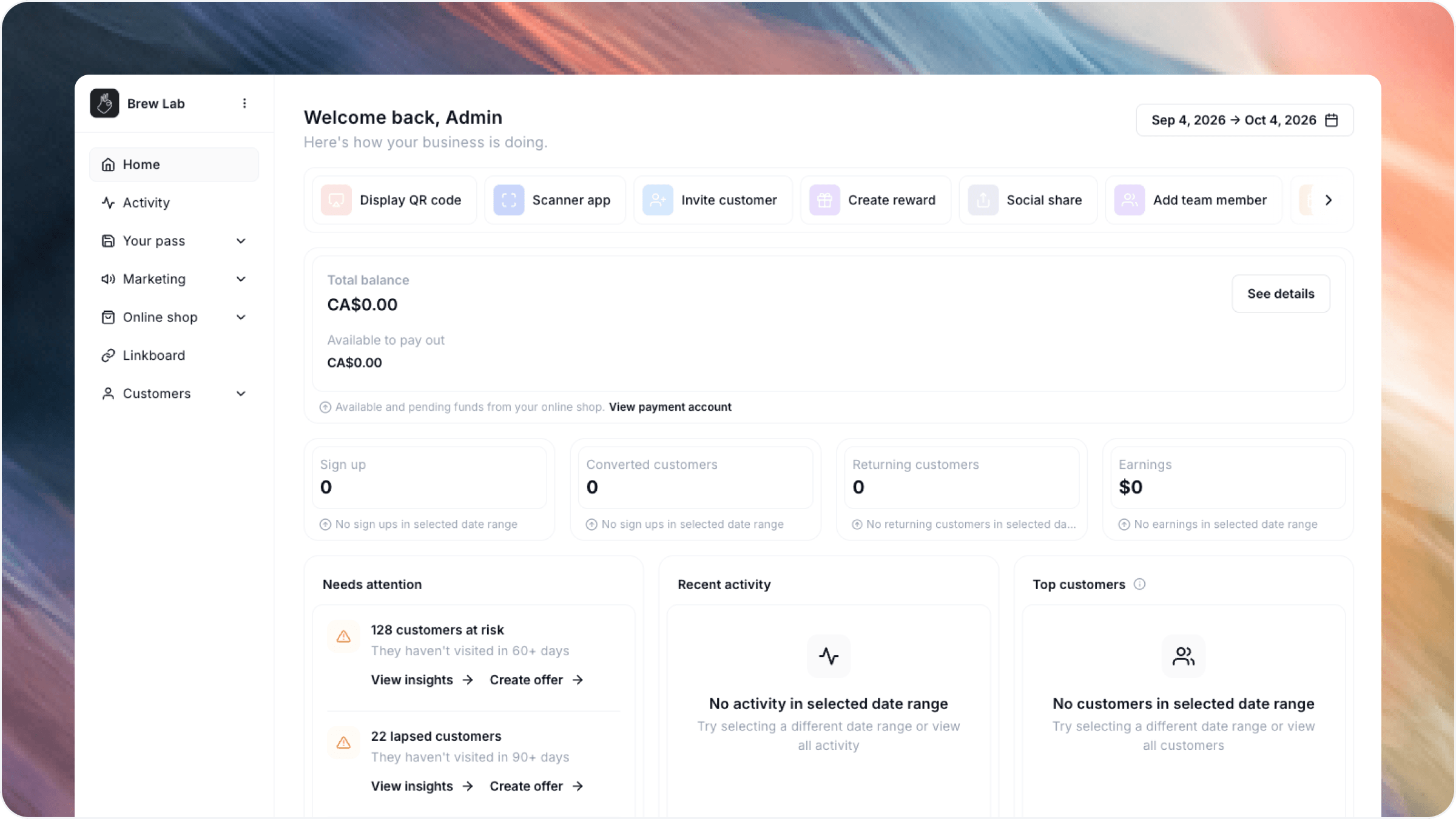
Your merchant dashboard
The merchant dashboard is where you set up and manage your shop.
From here, you can:
Customize your shop’s branding and customer pass.
Configure your rewards program and manage rewards.
Create Online Shop items and categories.
Set ordering, pickup, and payment preferences.
View and manage pickup orders.
Review payments, issue refunds, and see payouts.
Create offers and announcements.
Explore customer activity and business insights.
Manage your locations and team access.
Some options depend on the features you’ve enabled. Payment collection requires a connected and verified Stripe account.
Worthify Go
Worthify Go is your app for serving customers in person.
Use it to scan customer passes, award points, redeem rewards, and complete Pass checkout.
Once your Stripe account is verified, the Charge tab becomes available. You can enter an amount or select catalog items, then collect payment using Tap to Pay or a connected card reader.
Your customer experience
Customers access your shop through its link or QR code. They don’t need to download a separate app for your business.
Depending on what you enable, customers can:
Access their personal pass.
View their points and rewards.
Browse your Online Shop and place pickup orders.
Load and use a prepaid balance.
Access your shop’s links and updates.
Customers can also save their pass to Apple Wallet or Google Wallet.
The customer pass
Each enrolled customer has a personal pass connected to their profile with your shop.
Customers present the pass when you need to recognize them—for example, to award points, redeem a reward, or complete Pass checkout. You scan it using Worthify Go.
The pass connects the customer to your shop; it works alongside the customer’s online experience.
Where to go for common tasks
Was this helpful?
Still need help? Ask the team