How Worthify works
See how your shop, customer pass, payments, rewards, and communication work together.
Overview
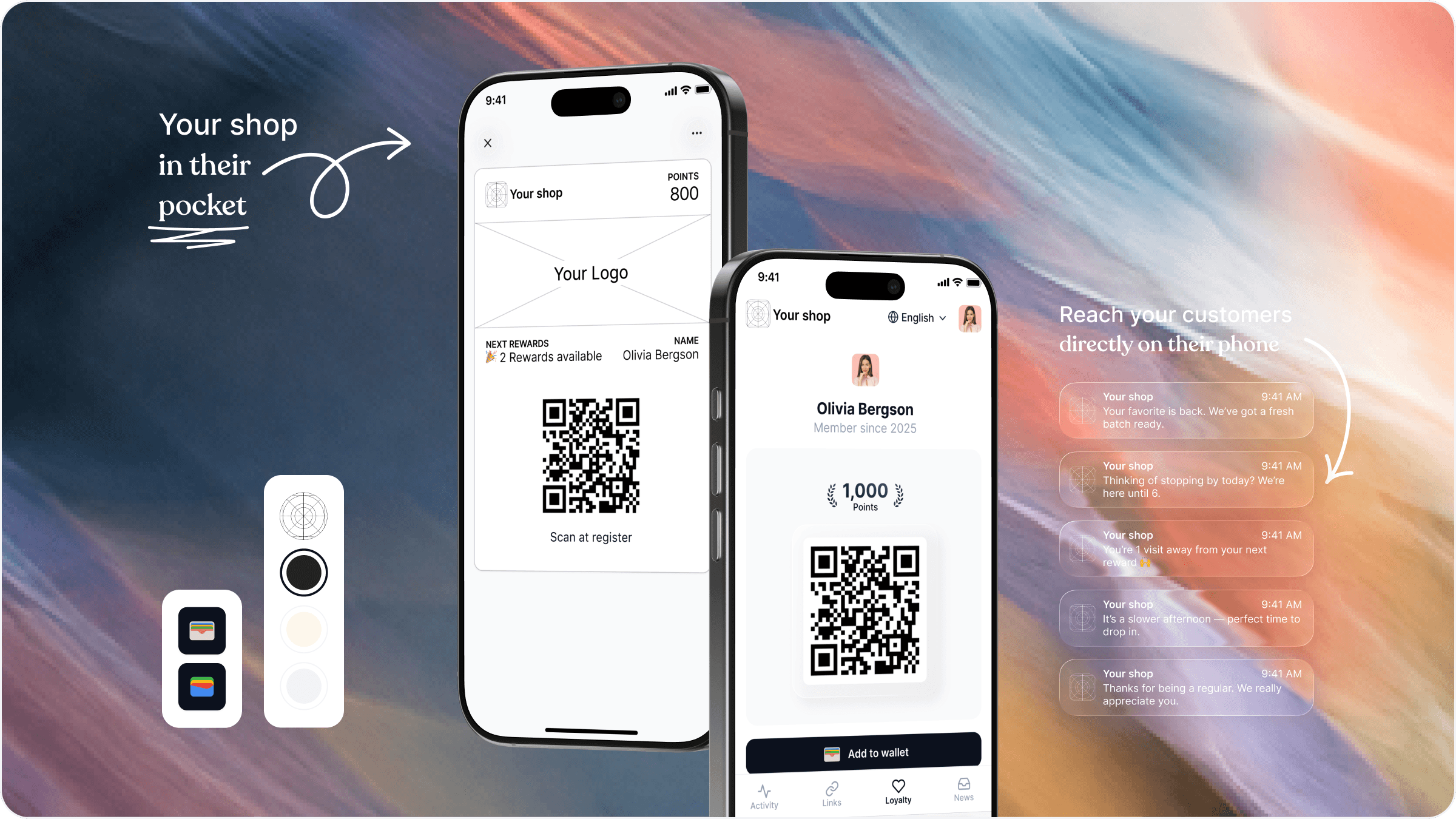
Worthify brings your shop’s selling and customer tools into one connected system. You manage your business from the merchant dashboard and Worthify Go, while customers access your shop through a link, QR code, or their personal pass.
Set up your shop
Your shop is the starting point. You add your branding and choose which features to enable, such as rewards, online ordering, and payments.
You can start with the features you need today and add others as your business grows.
Give customers a way to connect
Customers open your shop through its link or QR code. When they enrol, they receive a personal pass connected to their profile with your business.
They can access their pass online or save it to Apple Wallet or Google Wallet. The pass gives them a convenient way to return to your shop and lets you recognize them when you scan it.
Sell in person and online
Once you connect Stripe and your account is verified, you can collect payments through Worthify.
In Worthify Go, you can enter an amount or select items from your catalog, then charge the customer using Tap to Pay or a connected card reader.
Your Online Shop lets customers browse items and place pickup orders. You control pickup availability, taxes, tips, and whether fees are absorbed by your business or added to the customer’s total.
You can publish your Online Shop and accept Pay in store orders before connecting Stripe.
Choose how customers pay
With payments enabled, your shop can support different checkout experiences:
Card online: Customers pay by card when they check out.
Prepaid balance: Customers load credit with your shop and use that balance to pay at checkout.
Pass checkout: Customers build a cart and present their pass at pickup. You scan it, review and confirm the order, and charge the card saved on their profile.
Pay in store: Customers place an order and pay when they pick it up.
Prepaid balance and Pass checkout are separate options: one uses credit already loaded with your shop; the other charges a saved card when you confirm the order.
Manage orders and payments
Your Orders board organizes pickup orders into Placed, Preparing, Ready, and Completed.
You can cancel an order while it is still Placed. Cancelling a paid order automatically issues a refund. Once you move an order to Preparing, it can no longer be cancelled.
Your Payment account lets you review payments, issue refunds, see payouts, and manage your connected Stripe account.
Build on each customer visit
If you enable a rewards program, customers can earn points on their purchases and redeem them for rewards you create.
You can also create offers, send announcements, and use insights to understand customer activity and business performance. These tools help you continue the relationship between visits.
Use the right tool for each task
Merchant dashboard: Configure your shop, manage rewards and marketing, review insights, and manage orders and your payment account.
Worthify Go: Scan customer passes and take in-person payments.
Customer experience: Give customers access to their pass, rewards, Online Shop, and the features you enable.
Was this helpful?
Still need help? Ask the team